How to Emote Dash in MemeDash
Turn the G emote into burst movement without wrecking your hop chains.
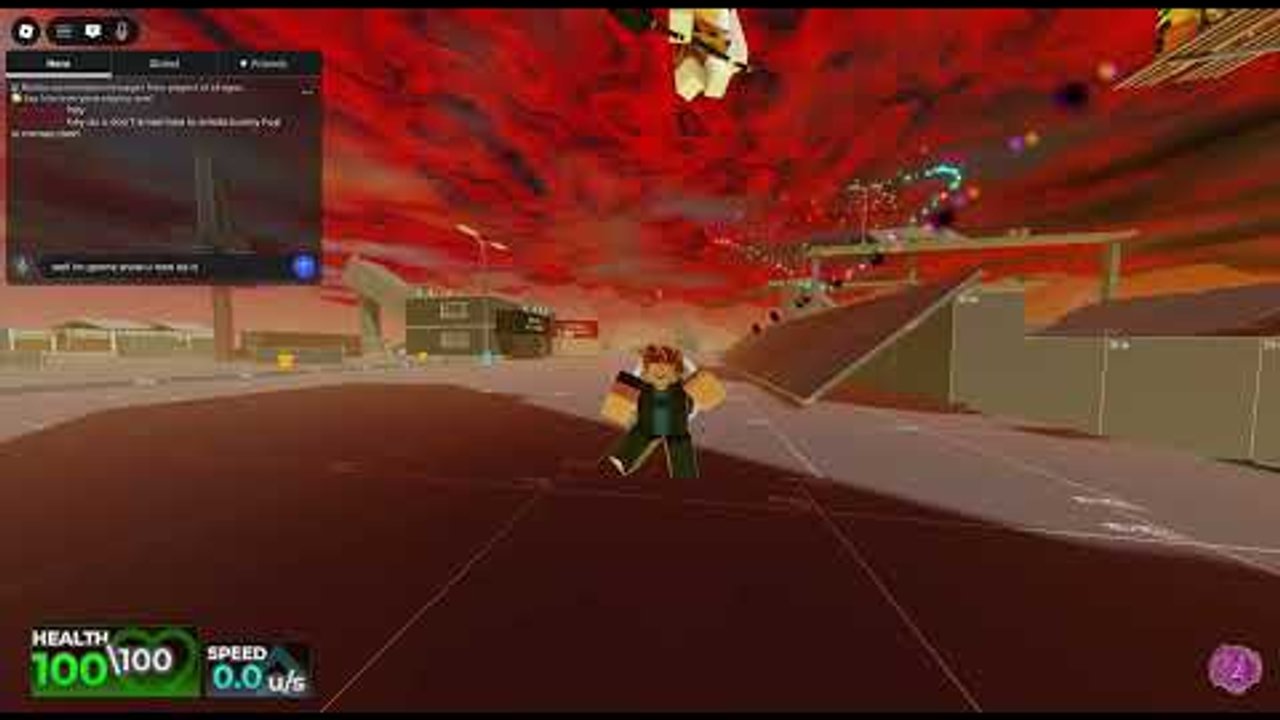
Emote dash (often shortened to edash in clips) is the flashy cousin of bunny hop in MemeDash. The official control is simple�?G* triggers emote—but skilled players weave that input into movement cancels and bursts that cover gaps normal jumps cannot. This guide assumes you already skimmed Controls and can survive a basic bunny hop chain.
MemeDash by Coleslaw Studio is still a public beta. Emote timing can feel patch-sensitive. Learn principles, not a single frame-perfect meme clip.
What emote dash is trying to do
At a high level, emote dash uses the emote animation or cancel window to:
- Add a short burst of horizontal speed
- Help clear awkward gaps mid-route
- Combine with hops so you do not stall after a landing
- Create clip-friendly movement that looks “broken�?in a fun way
It is not a replacement for air strafing. If your hops are messy, mashing G only adds noise. Earn dash after your strafe timing is honest.
Prerequisites
Before serious edash practice:
- Know G without looking at the keyboard.
- Complete flat-ground hop drills from the bunny hop guide.
- Be comfortable with C / Left Ctrl slides at walking speed.
- Use Z zoom to inspect landings when needed.
- Prefer a VIP server via N tools when you want quiet reps.
If any of those feel shaky, return to Getting Started and rebuild foundations.
Core timing mental model
Exact frames shift with patches, but the learning pattern stays stable:
- Approach with forward speed (walk, hop, or slide).
- Jump or leave a surface with a plan for your camera.
- Tap G in the window creators demonstrate—usually near takeoff or during a specific air moment shown in the video mid-page.
- Continue strafing; do not freeze the camera when the emote fires.
- Land into another hop or slide instead of celebrating early.
Watch the embedded emote bunny hop clip once without touching keys. Watch a second time and note when G is pressed relative to the jump. Then imitate on flat ground only.
Drill: emote without dash intent
First, press G while standing to see the default emote behavior. Next, walk and emote. Then jump and emote without trying to gain speed. You are teaching your hands that G is available mid-air. Only after that should you chase burst distance.
Drill: dash on a straight line
- Pick a long flat hallway or plaza.
- Build a two-hop chain.
- On the third takeoff, add G once.
- Compare distance to a third hop without G.
- Rest, then alternate “with G�?and “without G�?so you feel the difference.
If both feel identical, your timing is off—or the current beta window differs from the clip. Adjust earlier/later by small amounts instead of mashing.
Combining edash with slide and bhop
Strong routes often look like: slide �?hop �?strafe �?emote dash �?hop. Each piece has a wiki page:
- How to Slide for the entry
- How to Bunny Hop for the chain
- This page for the burst
- How to Pixel Surf when edges extend the line further
Add one layer per practice day. Players who stack all four on day one usually reinforce panic inputs.
Camera and aim tips
Emote dash fails when the camera yanks wildly. Keep yaw smooth. Pre-aim the landing before you hit G. Use zoom (Z) only to scout, then play at normal FOV so peripheral cues remain. On mobile, keep the camera thumb steady when the emote button fires—see the Mobile Guide.
Common mistakes
- G spam: multiple emotes per jump hide the correct window
- Ignoring strafe: dash without A/D + yaw wastes the burst
- Crouch panic: holding Ctrl through the emote when you meant to stand-hop
- Copying outdated clips only: beta patches change feel—verify on today’s build
- Skipping fundamentals: edash on broken hops creates flashy failure
When to use edash in public servers
Public lobbies (~15 players) are chaotic. Use emote dash when:
- You already clear the route at base hop speed
- A gap is slightly long for a normal jump
- You are chaining for style after objectives are safe
Avoid relying on dash to escape every bad decision. Movement games punish one-trick reliance when a patch nerfs a cancel.
VIP practice advantages
VIP servers include a VIP panel with fun features. Quiet space lets you hear timing and see distance markers without colliding through other players. Open N in VIP, set up a line, and record. Share clips with friends instead of demanding they “just feel it.”
Safety and scripts note
Community scripts may advertise fly, walk speed, or auto tools. Those skip the skill this page teaches and can risk accounts—read Scripts warnings. Emote dash is satisfying because you timed G. Keep that loop intact.
Related reading
- Guides Hub �?full skill map
- Controls �?G/C/M/N/Z table
- Bunny Hop �?air strafe base
- Slide �?momentum entries
- Pixel Surf �?edge extension
- Updates �?patch watch
- Players �?creators who demo edash cleanly
- Tier List �?where edash ranks in learn order
Session template
- Two minutes hop warm-up, no emotes
- One minute standing and walking G presses
- Five minutes straight-line hop vs hop+G comparisons
- Five minutes adding a single slide entry
- Optional: one short parkour segment
- Stop while success rate is still rising
That structure respects the beta attention span and builds durable timing. Watch the mid-article video, then run the template once today. Tomorrow, shorten warm-up and spend more time on the comparison drill until the burst is obvious without watching your fingers.
Frequently Asked Questions
Quick answers for MemeDash movement, codes, and scripts.
What key is emote dash on?
Emote uses G. Emote dash is the movement tech that times G during jumps or cancels for a burst—not a separate default key.
Should beginners learn edash before bunny hop?
No. Learn bunny hop and basic slide first. Emote dash amplifies good chains; it does not replace them.
Why does G do nothing useful mid-air for me?
You may be outside the useful timing window, freezing your camera, or expecting dash without prior speed. Compare with-G and without-G hops on flat ground.
Does emote dash work on mobile?
Yes if you can trigger emote reliably on touch UI. Keep camera drag stable when you activate it and practice on flat ground first.
Will patches break my edash muscle memory?
Possibly. MemeDash is early-access beta. Re-check Updates and re-run a short timing drill after major movement patches.