MemeDash Updates
Beta patch radar, version notes, and how we verify changes.
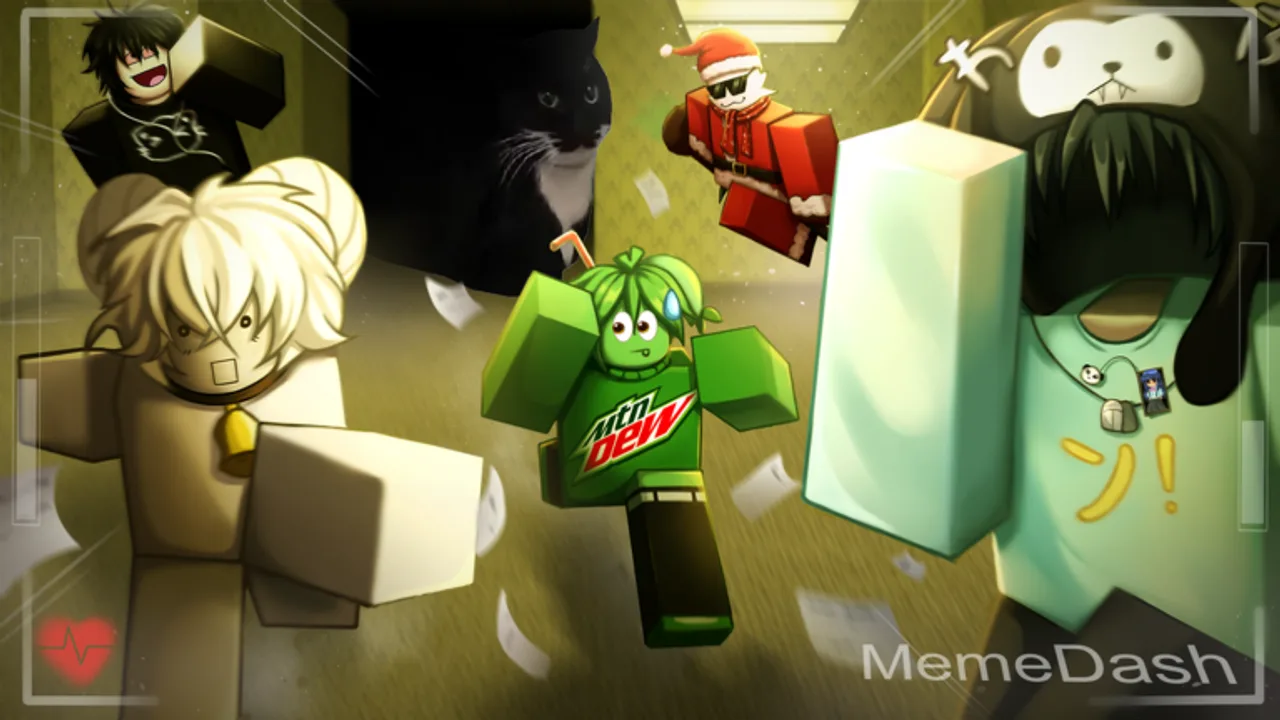
The Updates Hub tracks what changes in MemeDash while the game sits in early-access [v0.6] BETA. Coleslaw Studio ships movement tweaks, VIP tools, cosmetics experiments, and bug fixes without always publishing a long Steam-style manifesto. This hub tells you what we know, what is still rumor, and which child pages go deeper.
Current branch
| Field | Value |
|---|---|
| Public label | [v0.6] MemeDash [BETA] |
| Early access since | 24 June 2026 |
| Platform | Roblox |
| Max players | 15 |
| Studio | Coleslaw Studio (group 32849850) |
| Deep dive | v0.6 Beta Notes |
Official experience text still warns that the game is under development and can contain bugs. Treat every session as a test build that happens to be fun.
Featured note
v0.6 Beta Notes — VIP panel on VIP servers, movement-first design, EVADE / Garry’s Mod credits, known beta disclaimer, and cautious callouts for community-reported emote or gamepass chatter.
How we verify an “update”
- Experience description / title rename on the official Roblox page (bookmark via Official Links).
- Coleslaw Studio group shout and experiences list changes.
- In-game UI you can screenshot (VIP panel, menus, emote wheel).
- Multiple independent players reporting the same change—not one TikTok caption.
Community-reported items stay labeled until step 3 is possible. That includes whispers about salad-themed shop entries, new emotes for dash tech, or testing places like “Memedash new movement TESTING.”
What usually changes between beta drops
- Movement feel — friction, slide maintain, surf snappiness, emote dash windows. When these move, reread the Tier List and the individual guides under Guides.
- VIP tools — host panel features on VIP servers (N). Practice routines on Players may expand when new toggles appear.
- Cosmetics / emotes — matter because some emotes dash cleaner than others; see How to Emote Dash.
- Badges — bhop tester style badges can gain or clarify unlock text.
- Anti-abuse — may break third-party hubs overnight; never rely on Scripts for progression.
Codes after patches
Major Roblox games sometimes drop promo codes with milestones. MemeDash had no publicly confirmed working codes in November 2026 research. After any hype patch, check the Codes Hub once—then go practice. Do not download executors because a thumbnail screamed “NEW CODES.”
Suggested reading order after a patch day
- Skim this hub’s latest child note.
- Open v0.6 notes if still on that branch.
- Spot-check Controls if keybinds shifted.
- Re-test one S-tier tech from the Tier List.
- Glance at Codes only if the shout mentioned gifts.
Testing place vs live beta
Trackers sometimes list a separate Memedash new movement TESTING experience under the same studio. Testing places can be empty, restricted, or physics sandboxes. Unless the group shout tells the public to move there, keep playing the main [v0.6] experience linked from wiki links.
Reporting bugs productively
When you hit a softlock, wrong collision, or VIP panel oddity:
- Note your device, whether you were on VIP or public, and the approximate map area.
- Mention whether scripts were involved (they invalidate most reports).
- Share through official community channels the studio actually monitors—not random comment sections.
Constructive reports help the beta more than “game dead” spam.
Roadmap honesty
This wiki will add dated child pages when a patch is large enough to need its own URL. Until then, v0.6 notes remain the living document. We will not invent version numbers like “v0.7” early. When the title string on Roblox changes, this hub will say so.
Stay flexible, keep favorites updated, and remember: movement mastery from the Guides Hub survives more patches than any temporary meta rumor.
Frequently Asked Questions
Quick answers for MemeDash movement, codes, and scripts.
What version is MemeDash on right now?
Public branding shows [v0.6] MemeDash [BETA]. Early access began around 24 June 2026. Always confirm on the official Roblox experience page.
Where are detailed v0.6 notes?
Open the v0.6 Beta Notes child page linked from this hub for VIP panel info, credits, bug expectations, and cautious community-reported items.
Do updates add codes?
Sometimes Roblox games do, but MemeDash had no confirmed codes as of November 2026. Check the Codes Hub after shouts—not random video thumbnails.
Should I play the testing place instead?
Only if Coleslaw Studio directs players there. Otherwise stick to the main v0.6 experience from the Official Links page.
Why are some patch details marked community-reported?
Because social posts move faster than verifiable UI. We separate rumors from description-level and in-game confirmed changes.