MemeDash Official Links & Wiki Map
Canonical play links plus a full map of this fan wiki.
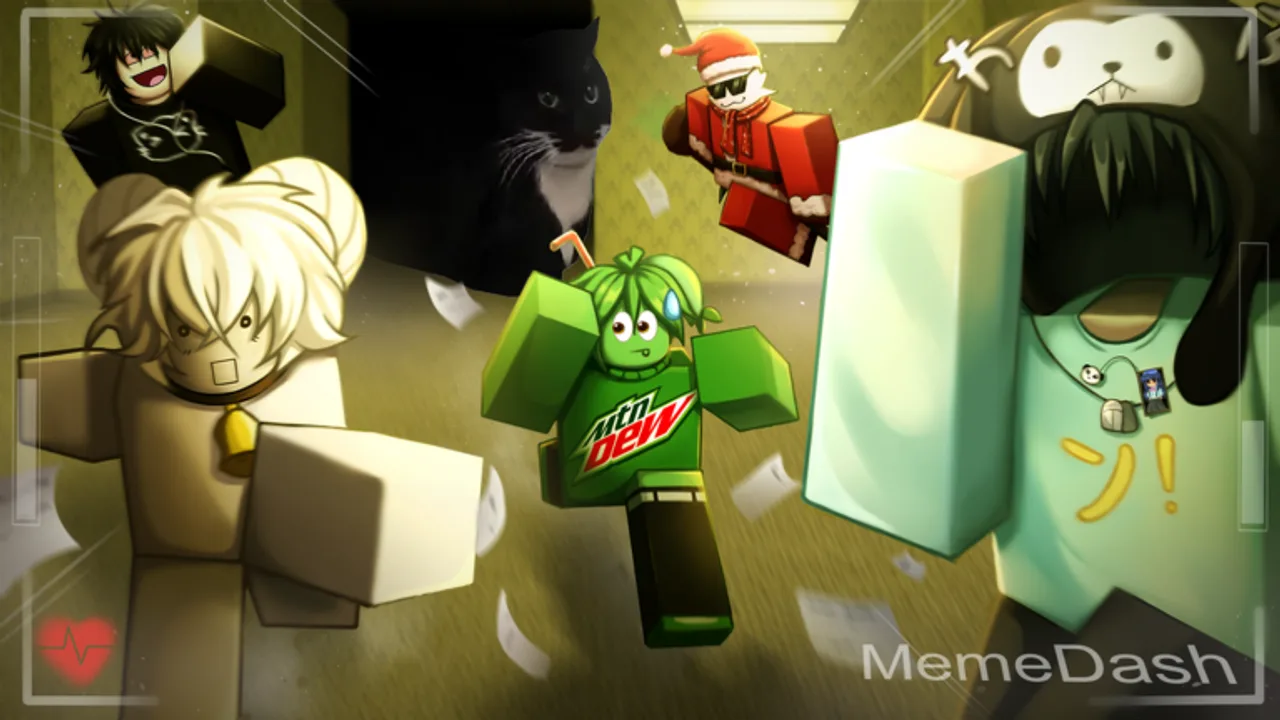
Welcome to the Links Hub for MemeDash—a single page for the official Roblox experience, the Coleslaw Studio community, and a map of every major section on this fan wiki. Bookmark it when search fails or when a friend asks “where do I actually click?”
This site is fan-made. It is not operated by Roblox Corporation or Coleslaw Studio. For authoritative patch text, always prefer the experience description and group shouts over any third-party summary—including ours when they disagree.
Official Roblox destinations
| Resource | Why it matters | Link |
|---|---|---|
| MemeDash experience | Join the live [v0.6] MemeDash [BETA] place | Play MemeDash on Roblox |
| Coleslaw Studio group | Shouts, experiences list, “find by group” | Community 32849850 |
Tips when the buttons misbehave:
- Favorite the experience after the first successful join.
- If discovery search hides the beta, open the group → Experiences (see Players Hub).
- Confirm place branding still shows the beta notice and VIP panel mention before trusting random copies.
Wiki map — start here
Learn the game
- Guides Hub — all tutorials in one index.
- Getting Started — first-session checklist for the beta.
- Controls — G emote, C / Left Ctrl crouch-slide, M menu, N VIP menu, Z zoom.
- How to Bunny Hop — foundation movement.
- How to Slide — crouch-slide chains.
- How to Emote Dash — burst tech.
- How to Pixel Surf — speed surf lines.
Plan your grind
- Tier List Hub — S–C ranks for techniques (not characters).
- Players Hub — group join, VIP etiquette, badge notes.
Track freebies and changes
- Codes Hub — no confirmed codes as of November 2026; redemption prep included.
- Updates Hub — patch radar.
- v0.6 Beta Notes — current branch summary, VIP panel, credits, caveats.
Scripts (read with caution)
- Scripts Hub — conceptual hub features and risk framing.
- How to Execute Safely — education-only warnings and legit alternatives.
We do not host executors or Lua pastes. If a site claims to be “the memedashgame.wiki script mirror,” it is fake.
Quick facts card
- Developer studio: Coleslaw Studio
- Platform: Roblox
- Mode: Online multiplayer, max 15 per server
- Status: Early-access beta since 24 June 2026, public label v0.6
- Genre tag: Survival (movement parkour fantasy)
- Inspiration credits (official text): EVADE, Garry’s Mod
- Known official controls: G, C / Left Ctrl, M, N, Z
How to verify you are in the real game
- URL contains the experience path for place 134001816760598 or resolves from the Coleslaw Studio experiences list.
- Description mentions beta underdevelopment warnings and VIP panel features.
- Controls line matches emote / crouch-slide / menu / VIP / zoom.
- Credits line references EVADE and Garry’s Mod movement heritage.
If a place asks you to download an external launcher, stop. MemeDash runs inside Roblox.
Suggested first hour path
- Join via the official play link above.
- Skim Getting Started and Controls.
- Join group 32849850 for shouts.
- Practice on a VIP server using tips from Players.
- Follow the Tier List order for the rest of the week.
- Recheck Codes only after update days—not every hour.
About this wiki’s scope
We cover movement education, honest codes status, community navigation, update notes, and high-level script risk literacy. We do not sell Robux, badges, or VIP hosts. We do not guarantee uptime of Roblox services. When community rumors mention new emotes, gamepasses, or “salad” shop items, we label them as community-reported on Updates until official UI confirms them.
Share this Links Hub when someone asks for “the MemeDash wiki.” It is the fastest way to hand them both the real game and the right guide without a scavenger hunt.
Frequently Asked Questions
Quick answers for MemeDash movement, codes, and scripts.
Is memedashgame.wiki the official developer site?
No. This is a fan wiki. Official destinations are the Roblox experience page and the Coleslaw Studio community group.
What is the fastest way to start playing?
Use the Play MemeDash on Roblox link on this page, favorite the experience, then read Getting Started and Controls.
Where is the official group?
Coleslaw Studio, community id 32849850. Join it to find the experience by group and to see shouts.
Does this links page include script downloads?
No. Script pages here are warnings and conceptual overviews only. Downloads belong nowhere on this wiki.
Where should I go after this page?
New players should open Guides → Getting Started. Returning players often jump to Updates or the movement Tier List.